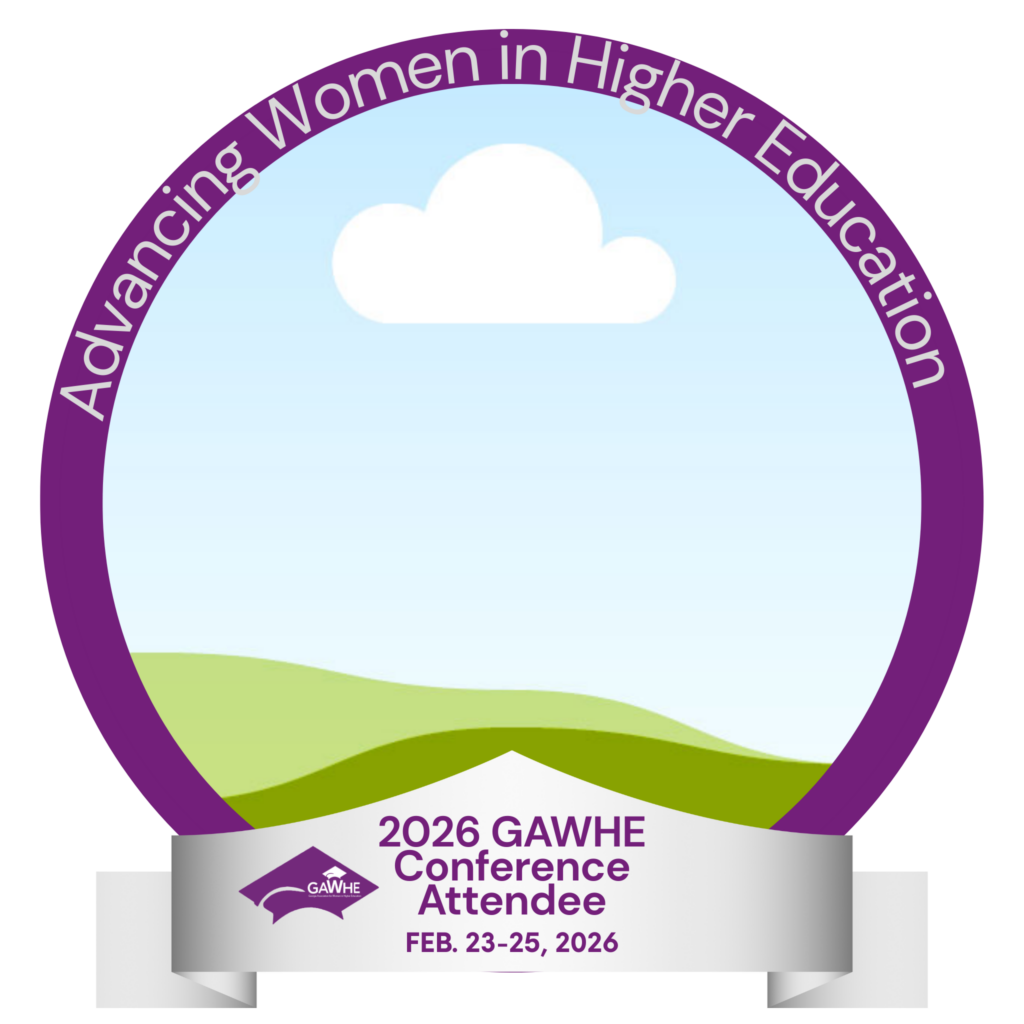
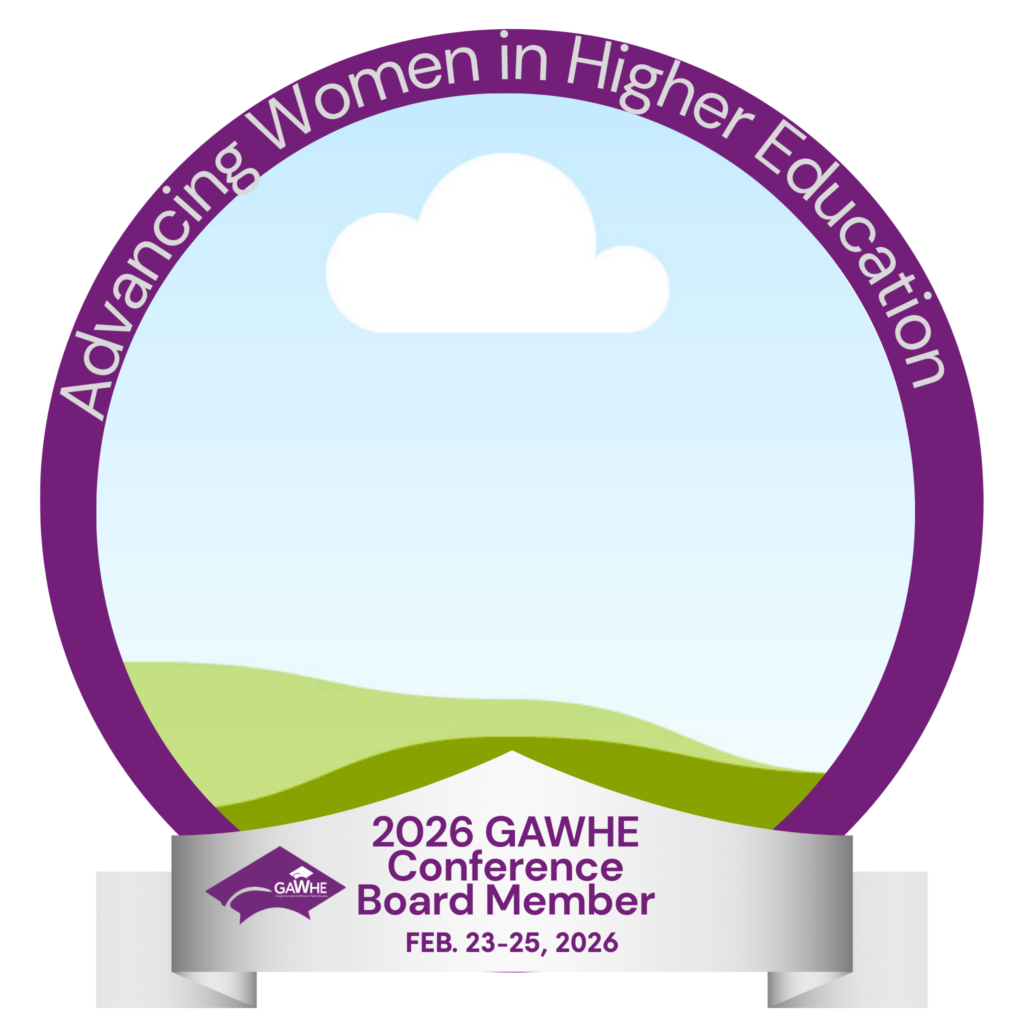
Official 2026 GAWHE Conference Profile Frame

Show your excitement and let everyone know you’re attending the 2026 GAWHE Conference.

Follow the steps below to update your Facebook profile photo with the official conference frame.

  1. How to Add the Frame
  2. Click the link below to open the official Canva template.
  3. Select Use Template.
  4. Click on the photo circle in the center.
  5. Upload your professional headshot.
  6. Adjust and center your photo inside the frame.
  7. Click Share → Download and choose PNG.
  8. Upload the downloaded image as your Facebook or LinkedIn profile picture.
  9. That’s it. You’re ready to represent.